

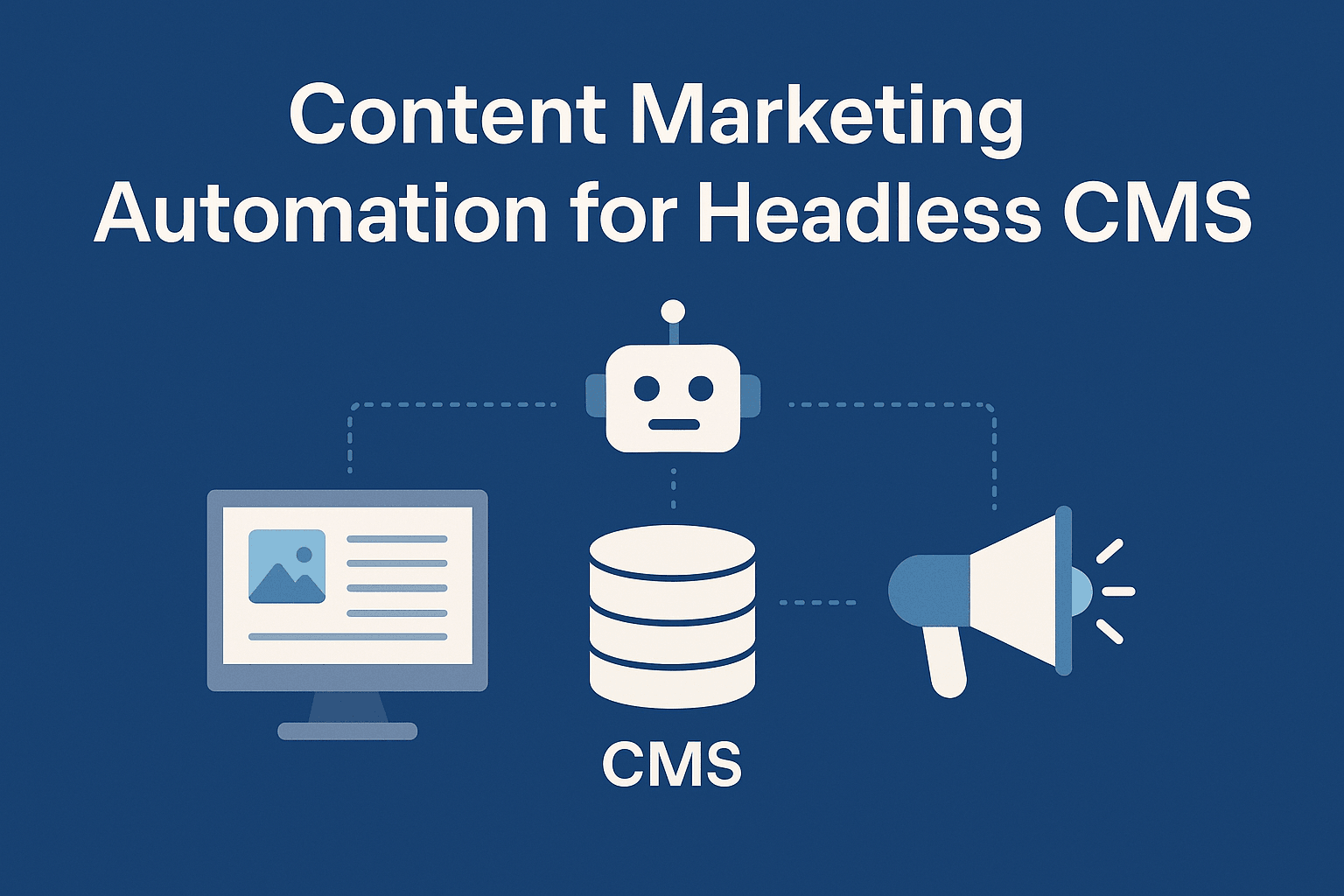
Content Marketing Automation for Headless CMS
The content marketing automation landscape is expanding rapidly as businesses produce more content across more channels, languages, and customer segments. With content operations becoming increasingly complex, automation has shifted from a nice‑to‑have to a core requirement for scalable content production.
Most existing resources focus on automation for traditional CMS platforms like WordPress or Drupal. But as modern teams adopt headless CMSs for their flexibility, performance, and API‑first architecture, there’s still limited guidance on how to automate content workflows in headless CMS environments.
This article breaks down what content marketing tasks can be automated in a headless CMS, which tools support automation, and how engineering and marketing teams can streamline collaboration using API‑driven workflows and automation best practices.
Why Headless CMS Is the Future of Content Management
Traditional CMS platforms tightly couple content with presentation. That makes it harder to reuse and distribute content across multiple channels (web, mobile, apps, digital signage, etc.).
Headless CMS, on the other hand, decouples content storage from its delivery. Content is stored as raw data and exposed via APIs, making it much more flexible, portable, and scalable.
As a result, headless CMSs like Storyblok, Sanity, and Payload CMS are becoming increasingly popular with teams looking for modern infrastructure and composability.
But here’s the catch:
Most content marketing automation tools are built with traditional CMS workflows in mind.
So the question is: What can actually be automated when you’re working with a headless CMS?
What Can Be Automated in a Headless CMS Environment?
Because a headless CMS exposes content through APIs, the possibilities for automation are even broader than in traditional systems—if you have the right tools and architecture.
Here are key areas where automation can be applied:
1. Content Generation
Use AI to generate content drafts directly in your CMS using API integrations. Examples:
- Blog posts pre-filled with AI-generated intros or outlines.
- Product descriptions tailored for SEO or localization.
- Automated summaries for long-form content.
2. SEO Optimization
AI SEO tools can scan headless CMS content and:
- Suggest keyword improvements.
- Optimize metadata fields.
- Score content readiness before publishing.
This is especially effective when SEO metadata is modeled as structured fields inside the CMS.
3. AI Translation and Localization
Manual translation is time-consuming.
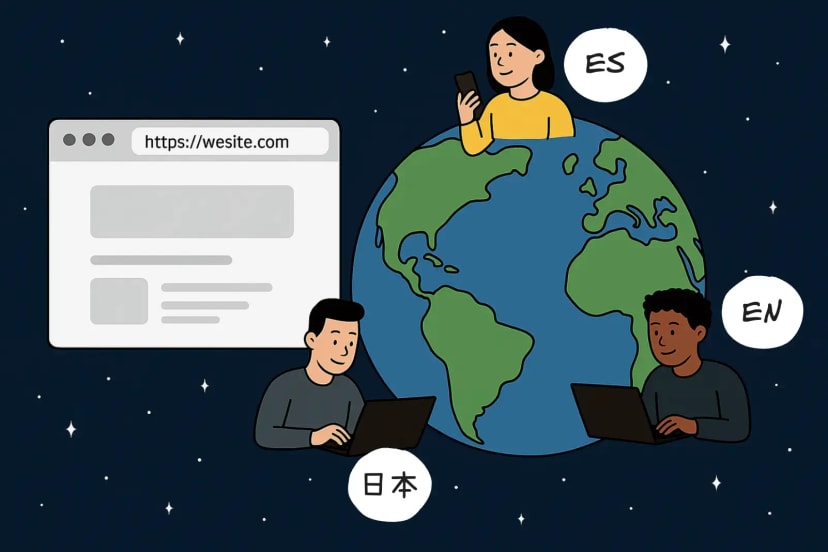
We’ve built an AI translation plugin that works natively with Storyblok, Sanity, and Payload CMS.
It allows:
- One-click translation of any content entry into multiple languages.
- Context-aware localization.
- Automated publishing of translated versions via the CMS API.
4. Scheduled Publishing
Headless CMSs often expose scheduling controls via API. Automation can handle:
- Publishing content based on release plans.
- Rolling out updates across locales.
- Depublishing outdated content.
You can integrate with tools like GitHub Actions, CRON jobs, or third-party automation platforms to schedule and trigger changes.
5. Content Distribution
Once published, content can be automatically:
- Sent to social media platforms via APIs.
- Pushed to newsletters.
- Indexed or synced with external platforms (e.g., marketplaces or mobile apps).
You can even configure trigger-based workflows using tools like Zapier, n8n, or custom Node.js scripts to sync content across platforms in real time. For teams building these integrations into a Next.js application, Next.js serverless functions can provide a scalable way to handle CMS webhooks, transform content, and trigger downstream publishing workflows without maintaining a separate backend service.
6. Automating Headless CMS Workflows with Next.js Serverless Functions
When automation needs custom business logic, Next.js serverless functions can provide lightweight backend endpoints without requiring a separate server to maintain.
For example, a CMS publish webhook can trigger a function that validates the request, updates or revalidates website content, transforms the entry for a social-media or email platform, and sends the content to the next tool in the workflow. This approach is useful when no-code automation tools cannot accommodate custom validation, content transformation, or integration requirements.
7. Email Campaign Integration (Mailchimp, Brevo, Klaviyo, etc.)
Once your content is live in the CMS, automation can take it a step further by distributing it via email campaigns. Tools like Mailchimp, Brevo (formerly Sendinblue), and Klaviyo offer robust APIs and automation workflows that can be connected to your headless CMS.
For example:
- Automatically create a Mailchimp campaign when a new blog post is published.
- Sync newsletter content directly from your CMS via webhook triggers.
- Personalize email content using structured data (e.g., user location or preferences).
By integrating your CMS with your email platform, you ensure that your best content reaches your audience quickly and consistently, without manual copy-pasting or campaign duplication.
Tools for Automating Content in Headless CMSs
Here are some practical instruments for building content marketing automation in a headless environment:
- Custom Scripts / Webhooks: Automate updates, syncing, and cleanup based on CMS events.
- AI Services (OpenAI, Writer, Jasper): For generating and optimizing content via API.
- Our AI Translation Tool: Available as a plugin for Storyblok, Sanity, and Payload CMS.
- Zapier / Make / n8n: Automate cross-platform workflows without writing full backend code.
- GitHub Actions / CI Pipelines: For automating schema changes, content migrations, and publish flows.
- SEO APIs (e.g., SurferSEO, Semrush): To validate content performance before going live.
Why Content Automation Is Critical in Headless CMS Environments
If you’re using a headless CMS, you’re already investing in a flexible, API-first content architecture. But without automation, you’re likely spending too much time on manual tasks—copying, pasting, translating, scheduling, syncing.
Content marketing automation for headless CMSs helps you:
- Scale faster.
- Operate globally with less overhead.
- Deliver content consistently across every channel.
And while the ecosystem for traditional CMS automation is well-established, headless CMS users are only beginning to tap into what’s possible.
One of our recent projects, Lucian Light, is a good example of this in practice: we used a headless CMS plus automation to streamline multi‑channel publishing and cut manual content ops dramatically.
How Headless CMS + Automation + AI Will Shape Content Management
As content volumes grow and teams become more distributed, automation will be a key competitive advantage. The combination of headless CMS + automation + AI creates a powerful foundation for scalable content operations. We’re already seeing results with our own clients using headless CMSs like Storyblok, Sanity**, and Payload, paired with automation and our AI translation plugin.
If you’re building with headless CMSs and looking to automate your content pipeline, now’s the time. Have questions or want to see how this could work for your team? Let’s talk.

 Arthur Nikitsin





.png&w=828&q=90)